Description
n8n-nodes-woztell-sanuker
Welcome to our WOZTELL n8n nodes, for easier WOZTELL integration within your n8n workflows, please read:
- Product Features
- In case you don’t have the n8n
- Sign up WOZTELL and WhatsApp Business API for Free
- Installation
- Credentials
- Build automation with WOZTELL
- Triggers and Nodes
- Contact
- About Us
- Resources
- Webhook: Receive all WhatsApp, Facebook Messenger, Instagram, WebChat, and website messages in WOZTELL inbox in real time.
- Send Messages: Send messages or approved message templates to target customers via WhatsApp Business API.
- Chatbot Forwarding: Route customer conversations to WOZTELL chatbot for autoreply.
- Full WhatsApp Message Type Support: Support all business message types and conversation categories available on WhatsApp and Facebook Messenger.
- Member Search: Batch query WOZTELL user information using Member Tags.
- OpenAPI Information Query: Directly query and update user profiles, conversation histories, and related data on WOZTELL platform via OpenAPI.
Product Features
In case you don’t have the n8n
Connect WOZTELL on n8n | Unlock AI-powered WhatsApp automation in just a few clicks. Easily build no-code workflows on WhatsApp, Messenger, Instagram, and WebChat by connecting WOZTELL with thousands of n8n integrations. Automate personalized broadcasts, conversations, and inbox management, fully powered by WOZTELL’s OpenAPI and GenAI engine.
Sign up WOZTELL and WhatsApp Business API for Free
You can now create a WOZTELL account and open up a WhatsApp Business API account, completely for free.
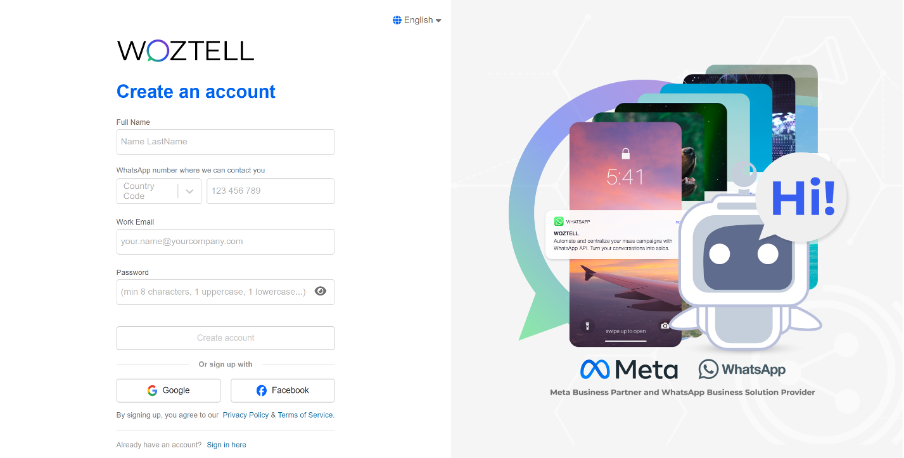
1. Go to the registration link: https://platform.woztell.com/signup?lang=en&utmcampaign=plugin-n8n&utmmedium=plugin-n8n&utm_source=N8N
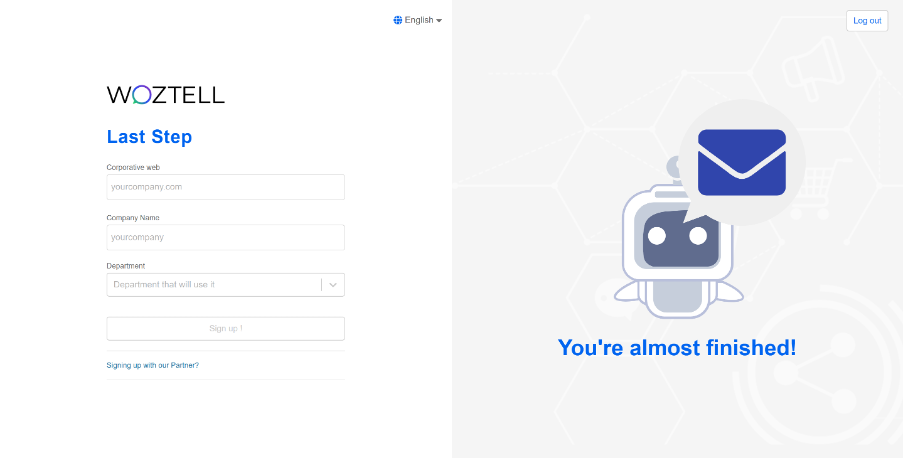
2. Fill in personal and company details and verify your email.
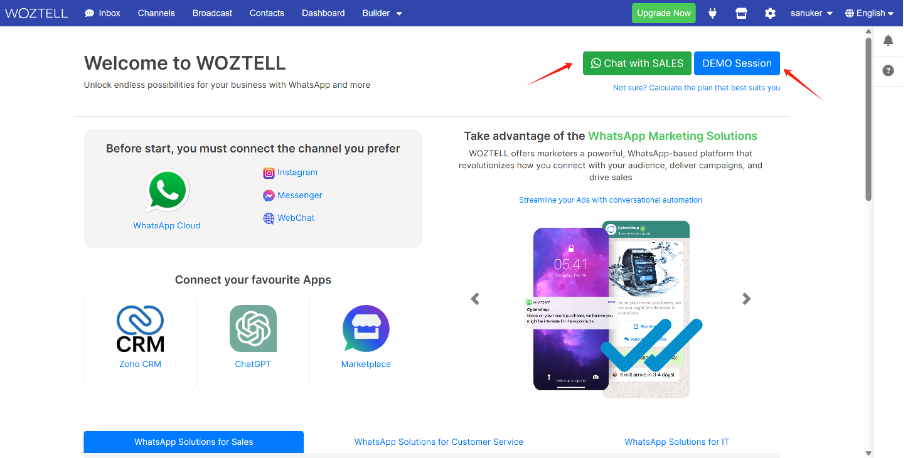
3. Once you signed up, you will be directed to the platform homepage. There, you can register a WhatsApp Business API account for free following https://doc.woztell.com/docs/procedures/basic-whatsapp-chatbot-setup/standard-procedures-wa-connect-waba/ or use the buttons on the top right of the homepage to chat with our sales team or book a demo session.
Installation
Install WOZTELL community node package in your n8n
1. Sign in to n8n with admin access
2. Go to Settings > Community Nodes
3. Select Install
4. Copy and paste the n8n package name @woztell-sanuker/n8n-nodes-woztell-sanuker
@woztell-sanuker/n8n-nodes-woztell-sanuker

5. Click Install. n8n will now download the package and you may return to n8n to use.
Learn more about installation from https://docs.n8n.io/integrations/community-nodes/installation/gui-install/
Credentials
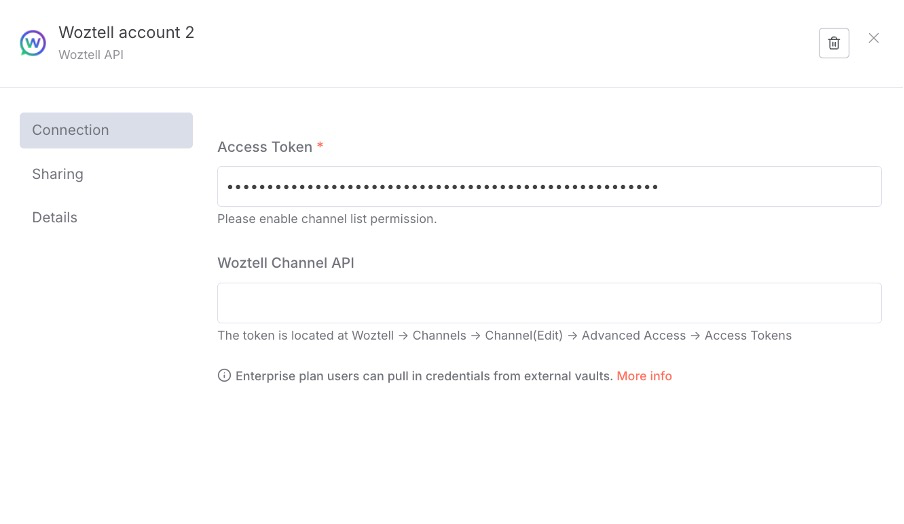
Before you begin using our n8n plugin, you will need to obtain your API Credential information from the WOZTELL Platform. These credentials serve as the essential authentication keys for accessing the WOZTELL Product API. Please refer to the documentation linked below to acquire the appropriate credential according to the required permission level, and then enter this information into the WOZTELL n8n Credential configuration.
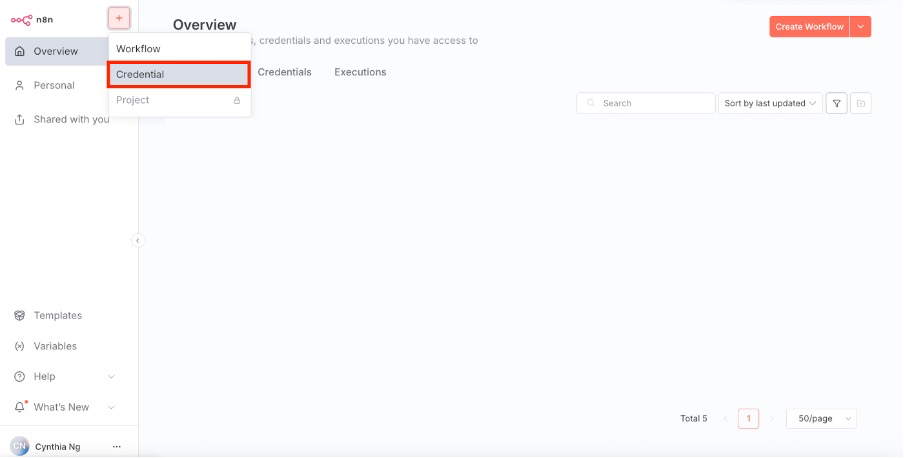
1. Open Credential
2. Create credential by searching WOZTELL
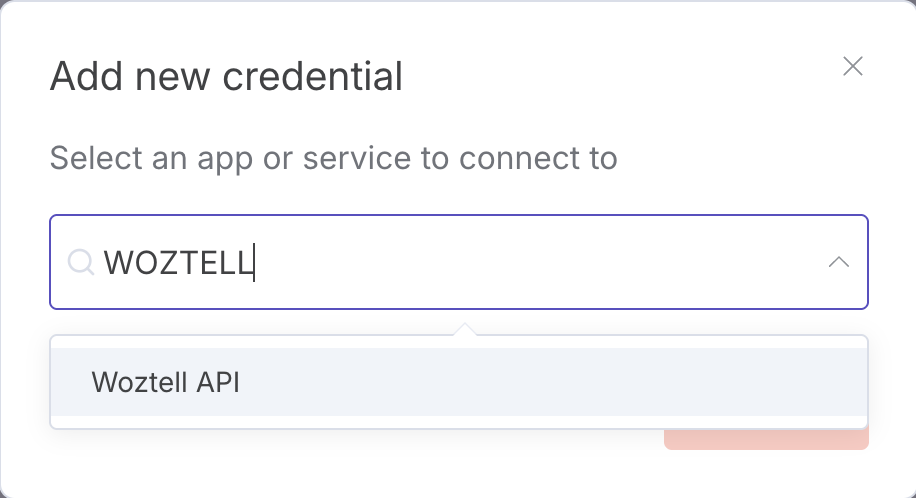
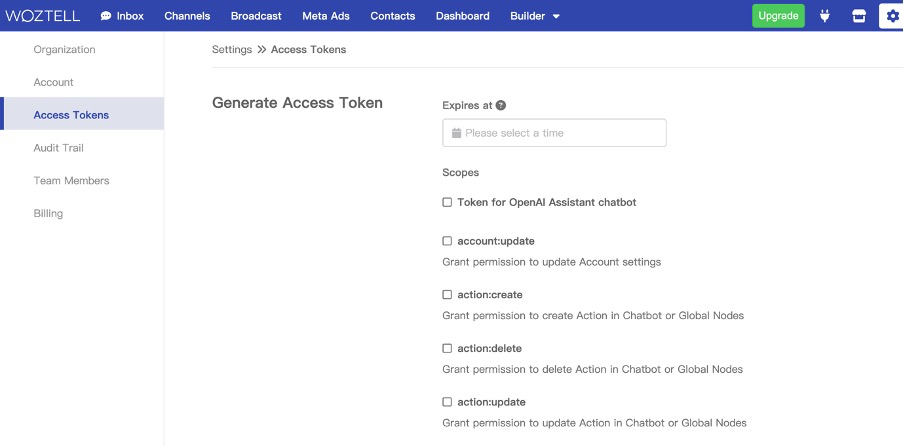
3. Login your WOZTELL account and open https://platform.woztell.com/settings/accesstokens?lang=en, and enable the channel:list, botapi:sendResponses, and bot:redirectMemberToNode permissions.
4. For more functions you need, please check the document https://doc.woztell.com/docs/documentations/settings/access-token/
5. Generate the access token
6. For more details on access token, please refer to this https://doc.woztell.com/docs/documentations/settings/access-token.
7. Fill in access token and Save
Build automation with WOZTELL
#### Create a n8n workflow
#### Open the nodes panel
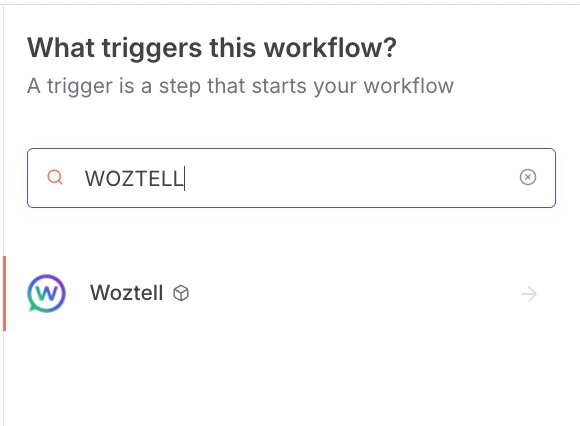
#### Search WOZTELL
Triggers and Nodes
#### Overview
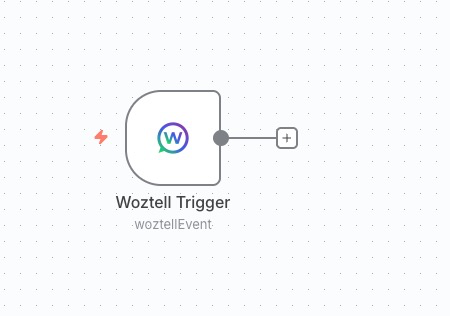
By searching the keyword “WOZTELL” in the sidebar, you can access the list of available n8n nodes and triggers.
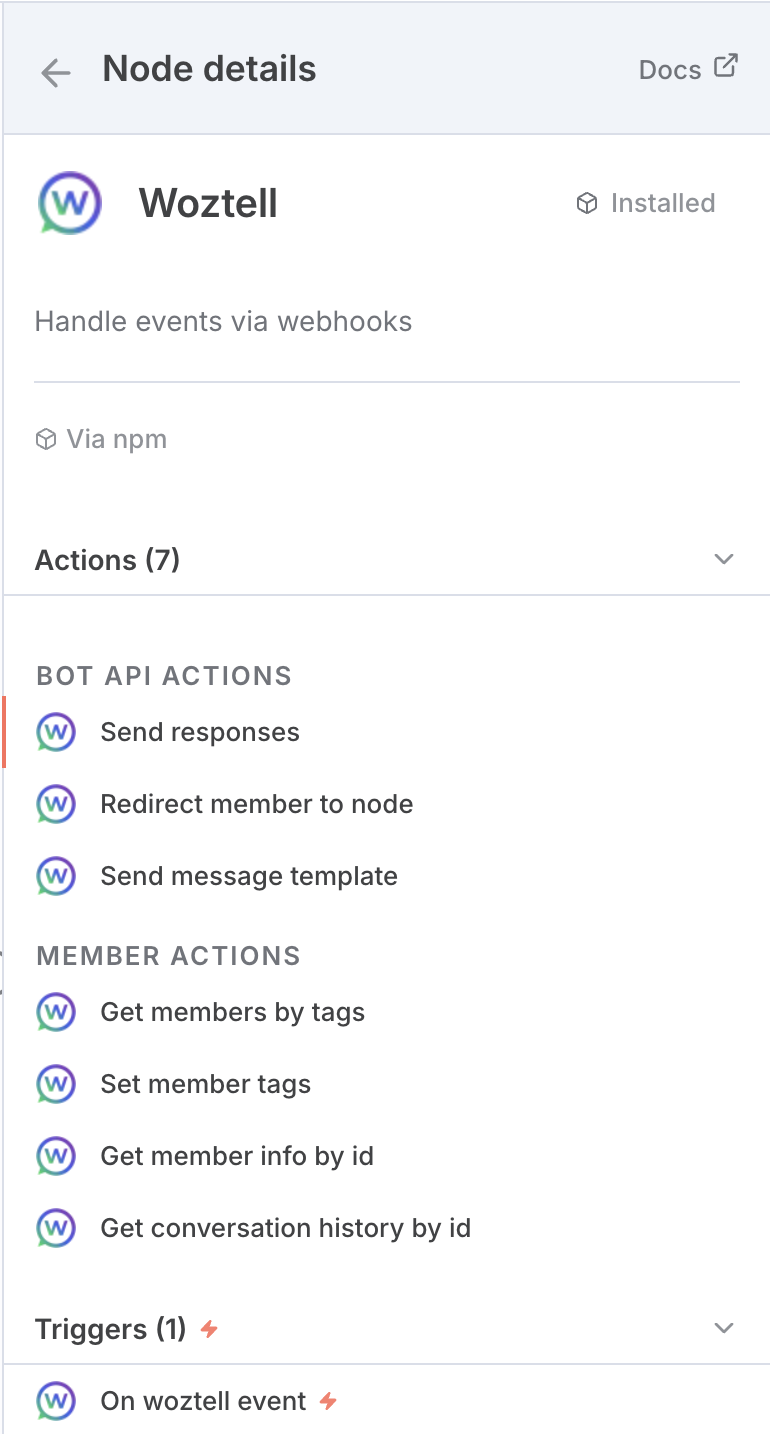
Within this list, you will find all nodes and triggers developed by WOZTELL for n8n. You may directly drag and drop the required node or trigger into the workflow designer to make it part of your workflow.
#### Webhook: On WOZTELL Message received
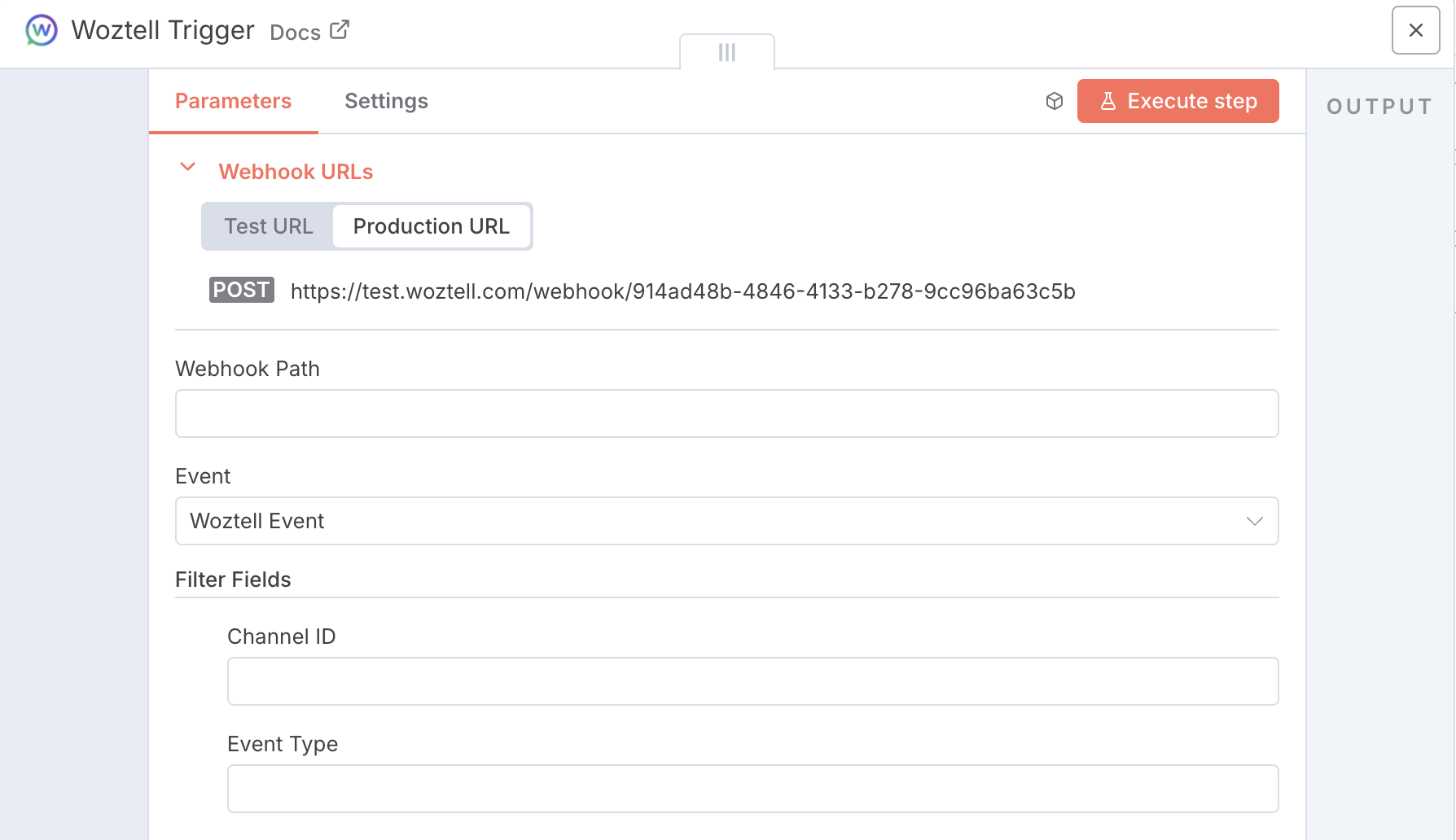
Through the WOZTELL Trigger node, you can receive webhook messages from any WOZTELL Channel, including various types such as Inbound, Outbound, and Member Update. Each message is delivered in JSON format and contains comprehensive data along with the associated event information.
Within this node, you can specify the corresponding Webhook Path and configure filtering options based on Channel ID and Event Type, ensuring that the information you receive is properly filtered and can be utilized effectively.
Learn more from: https://doc.woztell.com/docs/documentations/channels/channels-webhook
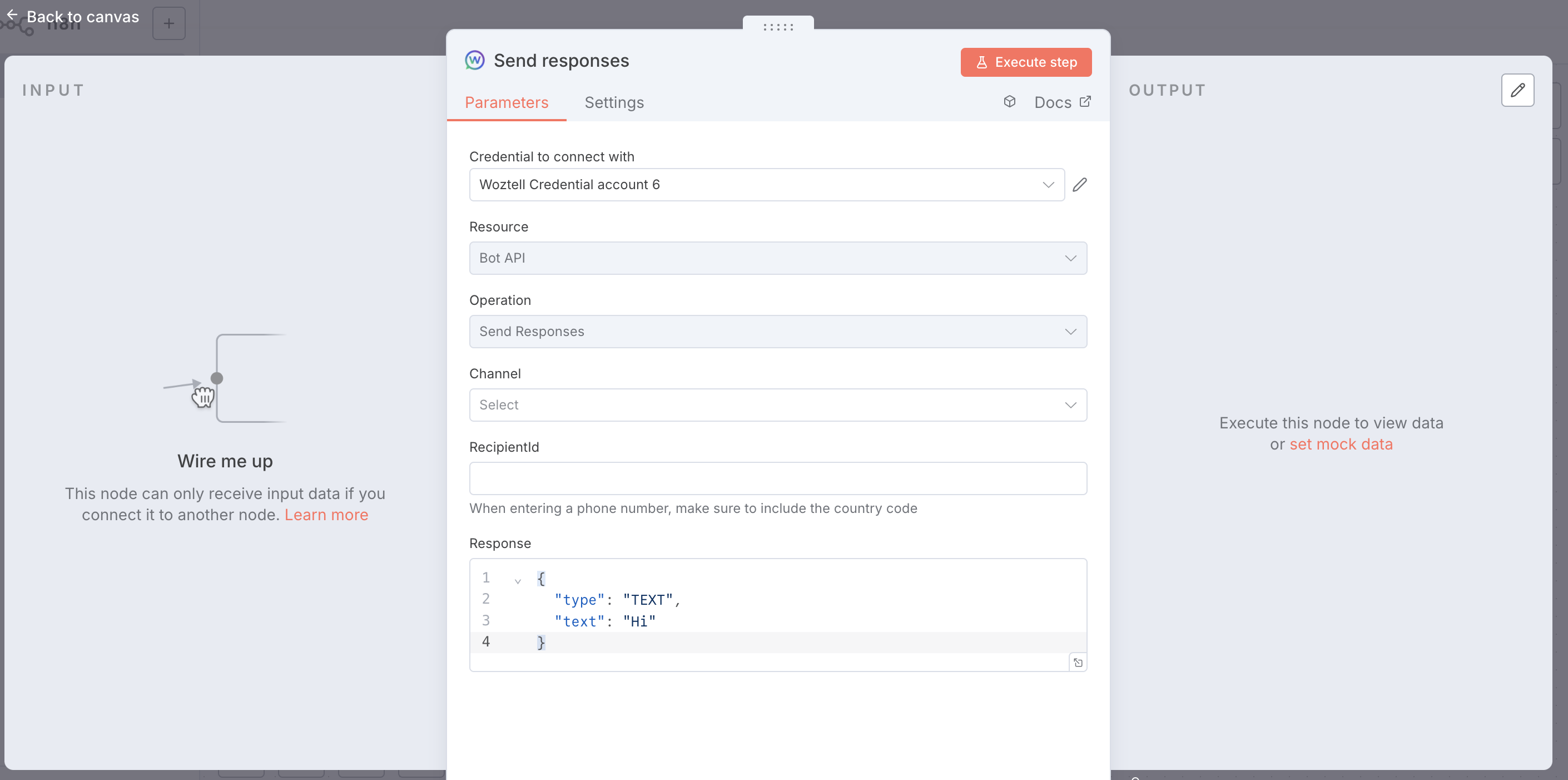
#### Node: Send Response
Using the Send Response node, you can directly send messages from your WhatsApp Business number to the target customer’s WhatsApp account via the WOZTELL BotAPI. All message content can be placed directly within the Response data.
Once the message is sent, you will receive the corresponding API result, which allows subsequent nodes to continue processing the data.
For more details, please refer to the official WOZTELL product documentation: https://doc.woztell.com/docs/reference/bot-api-reference#send-responses
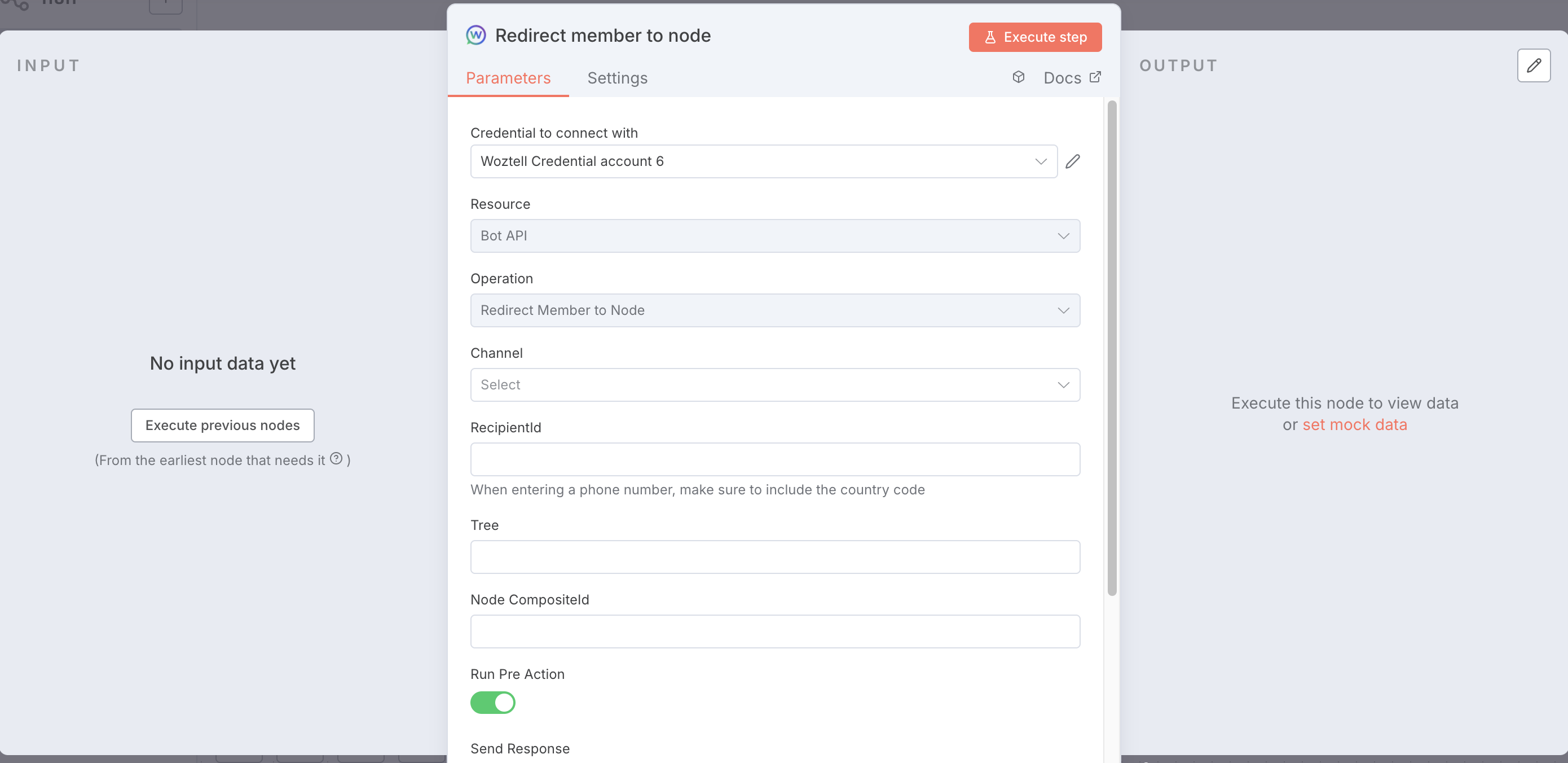
#### Node: Redirect member to node
With the Redirect Member to Node node, you no longer need to manually construct complex JSON data for sending messages. Instead, you simply pass the relevant WOZTELL information to a Chatbot Tree node, and the WOZTELL Chatbot will handle the subsequent actions for you — such as sending WhatsApp conversation message templates.
This node can be understood as a memory pointer: it redirects the current operation to the WOZTELL Chatbot. You do not need to prepare complicated data structures; you only need to initiate a request to the BotAPI.
For customers who already have chatbot designs running on the WOZTELL platform, this provides an excellent way to integrate with n8n.
Learn more from: https://doc.woztell.com/docs/reference/bot-api-reference#redirect-member-to-node
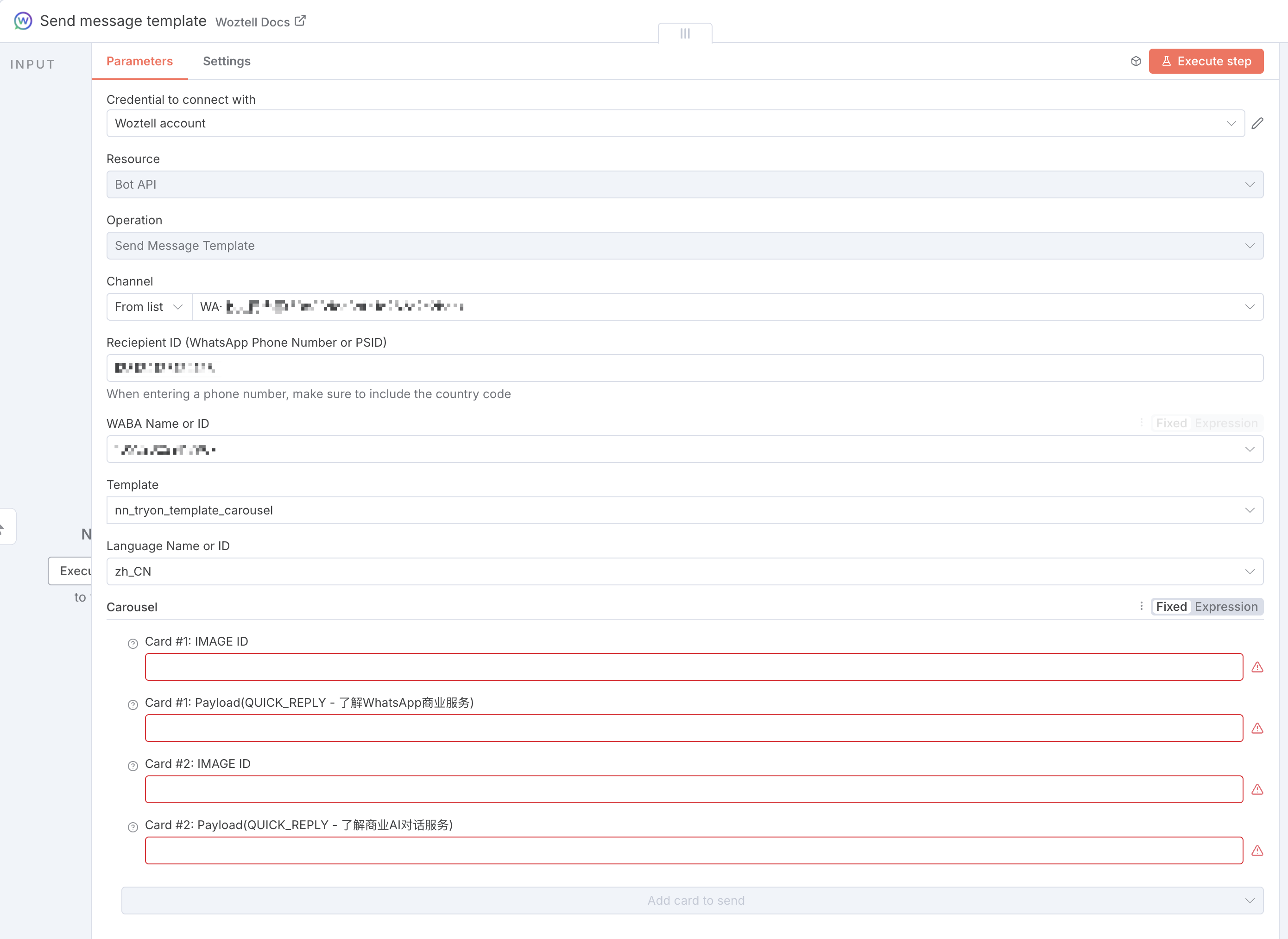
#### Node: Send WhatsApp Template message
According to WhatsApp’s official business messaging guidelines, when contacting unfamiliar WhatsApp numbers or numbers outside the 24-hour session window, you must first send a WhatsApp Template Message.
Our n8n plugin significantly simplifies the complexity of working with WhatsApp Template Messages. The current node can automatically generate the required message content based on templates that have already been created and approved. You only need to complete the corresponding form fields, and the Template Message can be sent directly.
Learn more from: https://doc.woztell.com/docs/integrations/whatsapp/wa-message-types#whatsapp-message-template
Contact
We sincerely appreciate your strong support and understanding of our current n8n plugin. If you are interested in learning more about our products or services, you may also reach us through the following channels:
About Us
Sanuker
Sanuker is a leading AI Business Messaging Consulting firm, offering professional business messaging services and AI chatbot solutions tailored for enterprises. We distinguish ourselves in the market through our innovative approach to messaging designs and strategies, especially across Meta platforms – WhatsApp, Messenger, Instagram.
As a trusted partners of AWS, HSBC Business Go, and Meta, we serve 10K+ clients across 25 countries through our WOZTELL Conversational Platform, empowering businesses to qualify leads and boost conversions.
WOZTELL
WOZTELL is your all-in-one platform to seamlessly create, manage, and deploy chatbots across WhatsApp, Messenger, Instagram, and Websites. Powered by cutting-edge GenAI engines, WOZTELL empowers you to execute personalized broadcasts, manage unlimited live chat agents, and integrate effortlessly with any third-party software via our robust OpenAPI.